
Calories in Bacon: Slice and Serving Estimates
Calories in bacon depend on slice thickness, cooking and draining. See per-slice and per-serving estimates with USDA-linked figures.

A cooked bacon slice weighing roughly 8 g provides about 43 to 45 kcal, while two pan-fried, pre-sliced slices weighing about 23 g provide approximately 108 kcal. Those estimates describe different slice sizes, which is why counting strips alone can give you a misleading total.
The useful question isn't just how many calories bacon contains. It's which bacon, weighed at what stage, and in what portion. Once you separate those details, logging breakfast becomes much less confusing.
Why Bacon Calories Are Hard to Pin Down
You finish breakfast, open your food tracker, and search for bacon. The results look similar, but some describe uncooked bacon, others describe cooked strips, and some don't explain what a slice weighs.
Choosing the first result feels reasonable. Yet logging bacon as plain bacon is like measuring flour by the scoop without knowing how tightly someone packed it. The label identifies the food, but it doesn't define the amount.
A slice isn't a fixed measurement
Think of a slice as a description of shape, not a dependable unit of weight. A narrow, thin strip and a thick strip can both count as a slice on your plate. Treating them as interchangeable hides the difference you're trying to record.
The opening estimates are USDA-linked reference values, not a promise that every strip in a package matches them. The serving examples below show how the stated slice weight changes the answer.
Practical rule: Before accepting a bacon entry, check whether it describes the food on your plate or just shares its name.
A useful entry answers a few ordinary questions:
Product form: Does it describe cooked bacon or bacon before cooking?
Portion definition: Does it give grams, a defined slice weight, or an unexplained slice count?
Preparation: Does the cooking description match what you made?
You don't need to turn breakfast into a laboratory exercise. You need enough detail to avoid comparing unlike portions. Cooking, portion size, and draining each affect a different part of that comparison, so keeping them separate makes the estimate easier to understand.
How Cooking and Curing Change the Calorie Count
Cooking bacon changes its concentration, not just its appearance. Think of simmering a sauce: as water leaves, the remaining sauce becomes more concentrated. Bacon also releases fat, so both water loss and rendering matter.
The illustration shows the idea of shrinking cooked weight. Its pictured weights are illustrative, not a conversion rule for your bacon.
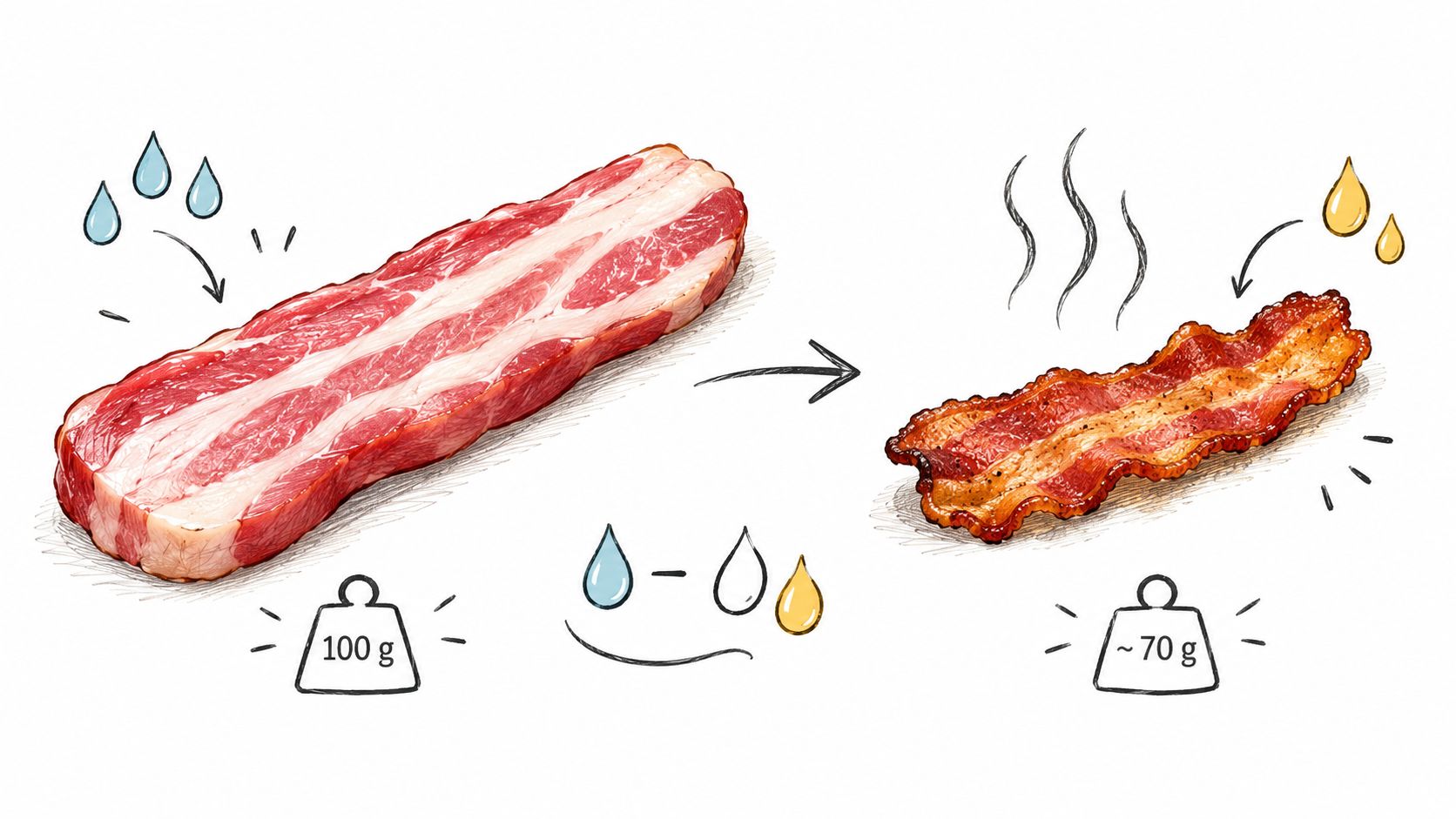
Compare equal weights, not identical-looking strips
The USDA-based bacon composition entries list these approximate values:
Cured bacon before cooking: 393 kcal per 100 g.
Ordinary cooked bacon: 484 kcal per 100 g.
Reduced-sodium cooked bacon: 541 kcal per 100 g when prepared by broiling, pan-frying, or roasting.
Baked bacon: 548 kcal per 100 g.
Rendered bacon fat: 898 kcal per 100 g because it's nearly all fat.
Typical cooked composition: Roughly 33.9–40.9 g protein and 34.1–43.3 g fat per 100 g, with very little carbohydrate.
These are separate database entries, not measurements of the same batch before and after cooking. They don't establish that reducing sodium causes a higher calorie count or that baking always produces the most calorie-dense bacon.
The cooking context is also available in video form:
Higher concentration doesn't mean added energy
A higher calorie value per gram doesn't mean heat created calories. It means the balance of water, fat, and protein changed in the food that remained.
That distinction matters when a strip looks smaller after cooking. Smaller doesn't automatically mean less calorie-dense. At the same time, fat left behind in the pan isn't part of the strip you eat.
Keep the measurement and database entry aligned. A raw weight belongs with a raw entry; a cooked weight belongs with a cooked entry. Don't apply the cooked concentration to the weight you measured before cooking.
Calories Per Slice and Per Serving
The apparent mismatch in the opening comes from the serving definitions. The smaller cooked-slice estimate and the heavier pan-fried serving aren't using identical strips.
For a practical reference, the USDA-linked pork bacon serving estimates place a cooked slice weighing about 8–8.1 g at roughly 43–45 kcal, and a 23 g portion of two pan-fried, pre-sliced strips at about 108 kcal.
Bacon Calories by Form and Serving
The table uses those same serving estimates. A blank slice equivalent is intentional: a per-weight entry doesn't establish a universal slice size.
| Bacon form | kcal per 100 g | Per serving example |
|---|---|---|
| Pre-sliced, pan-fried | About 468 | About 108 kcal for two cooked slices weighing 23 g |
| Microwaved | About 476 | Match the entry to your cooked portion weight |
| Baked | About 548 | About 45 kcal for a cooked slice weighing 8.1 g |
To work out a weighed serving, multiply the entry's calories per reference weight by the fraction of that weight you ate. Using the pan-fried row, the listed serving weight produces the serving estimate shown in the table. There's no need to substitute a smaller slice estimate when you already know the portion's weight.
Counted portions are convenient. Defined portions are easier to interpret.
Scaling the estimate without mixing entries
Using the 43 kcal slice estimate, four slices provide about 172 kcal; roughly 12 standard 8 g slices approach 100 g, which can exceed 500 kcal when using the higher-density cooked entries in the linked serving reference.
The qualification matters. The lower pan-fried entry in the table doesn't exceed that threshold at the same weight. Don't take a slice estimate from one preparation and a per-weight estimate from another, then expect them to agree perfectly.
For slice-based logging, multiply the number eaten by the per-slice estimate that matches the served thickness and preparation. If your strips are noticeably thicker than the defined serving, counting alone can understate the amount.
If you're choosing a tracker, the MyFitnessPal comparison page is a place to begin evaluating your options. For bacon, keep the decision practical: can you identify the entry's preparation and understand its serving unit?
How Cut, Thickness and Draining Shift the Numbers
Start with what's different about your actual strips. If you've changed the cut or bought thicker bacon, don't assume your familiar slice entry still represents the portion.
Thickness changes the amount represented by a slice. A scale captures that difference directly, without requiring you to judge whether a strip looks standard. You also shouldn't assume that a differently named cut has the same composition as the entry you usually select.
Use this visual as a reminder of the portion variables, not as a calculator for a draining adjustment.
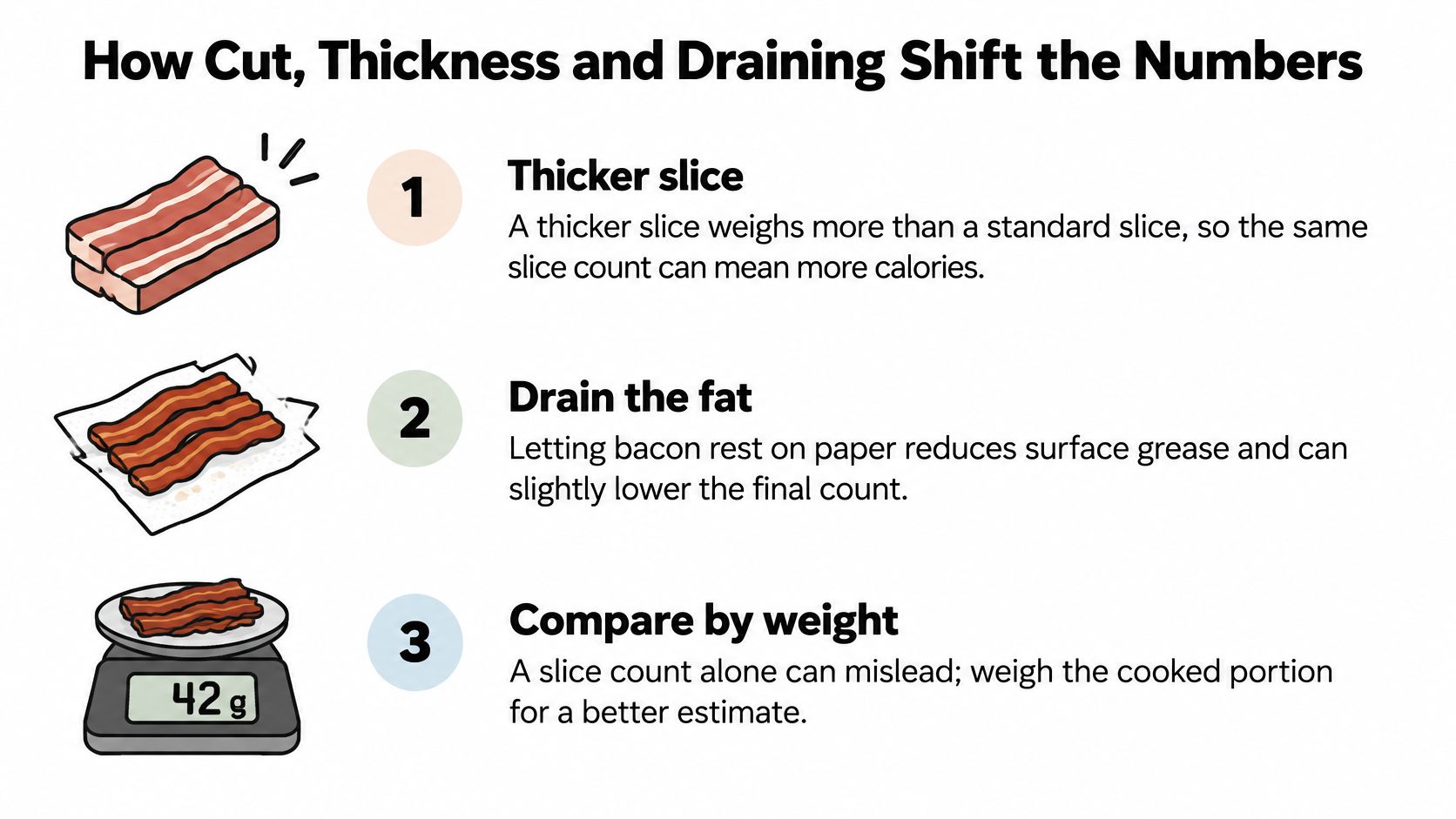
Cooking method isn't a guaranteed ranking
The preparation entries above show why method belongs in the food description. But they don't let you predict the exact result of your own pan, microwave, or oven.
Avoid choosing an entry just because it has the lowest displayed calories. Choose the preparation that describes what you made, then use the amount you ate. That keeps the estimate anchored to the meal rather than to a preferred result.
Draining matters, but there's no fixed deduction
Pouring off rendered fat or blotting surface grease removes some fat from the plate. The amount removed depends on the cooked bacon and how you handle it. There isn't a supported fixed calorie deduction to apply after using paper towels.
Don't subtract guessed calories for draining. Record the preparation consistently instead.
A manageable kitchen routine is:
Weigh after your usual draining step: Measure the bacon as you intend to serve it, rather than before you finish preparing it.
Match the cooking description: Select pan-fried, microwaved, or baked when the database offers a relevant entry.
Note how you handled the fat: A short note such as drained or blotted gives you context when comparing meals.
Separate retained drippings: If you use the rendered fat elsewhere in the meal, don't treat it as though it disappeared.
Consistency doesn't make an estimate exact. It does make your records easier to compare, because you're not changing the weighing stage or draining routine from meal to meal.
Choosing the Right Way to Log Bacon
The most useful logging approach is the one that preserves the details you know. A quick record can still be specific, while a carefully selected database entry can still be wrong if its serving unit doesn't match your portion.
These approaches differ mainly in how clearly they define the food and amount.
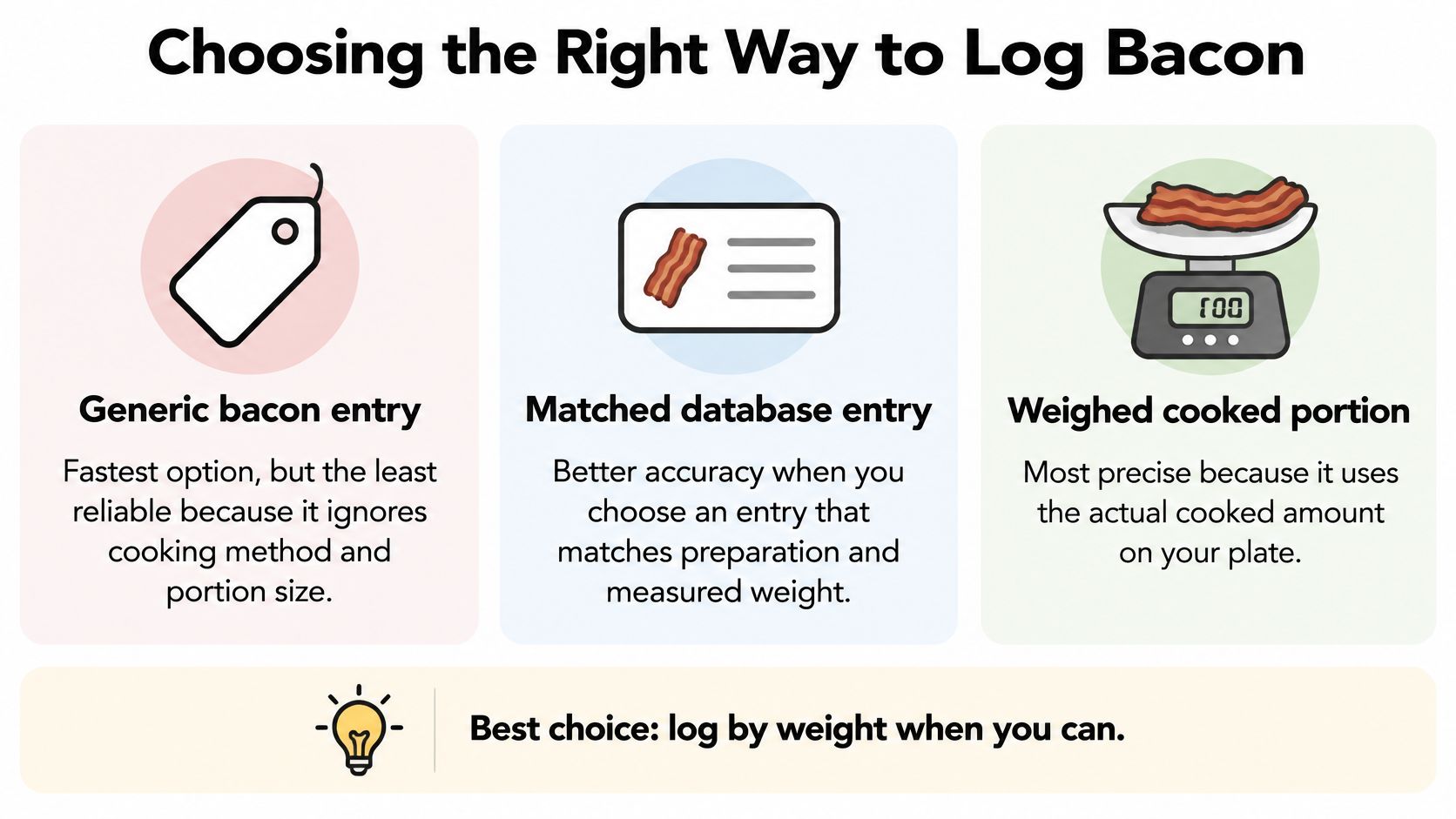
Choose an entry you can explain
| Logging approach | What to watch for |
|---|---|
| Generic bacon entry | An undefined serving can hide differences in preparation and amount. |
| Matched database entry | Check that the product form and serving basis fit your meal. |
| Weighed cooked portion | Pair the measured portion with an appropriate cooked entry. Weight alone doesn't fix a mismatched database choice. |
For practical logging, weighing the cooked portion is preferable; when that isn't possible, choose an entry matching the preparation and use the package's cooked serving size.
Package wording deserves a careful look. Don't assume that a serving statement describes cooked food unless the label says so. For help interpreting serving information, consult Gym Snack's nutrition label guide.
Treat photo and voice input as recording methods
Photograph and voice logging offer alternatives to typing a meal description. The publisher's app lists both input methods alongside calorie and macronutrient counting, making it an option alongside conventional database logging.
The available product description doesn't explain how those estimates are processed or verified. A photograph shouldn't be treated as proof of cooked weight, and voice input is only as informative as the details you provide.
The guide to counting calories from photos is a related resource to explore. Whatever input method you use, compare the resulting entry with the package's cooked serving definition and your measured portion rather than assuming the estimate is exact.
Your Next Step for Logging Bacon Accurately
Try a week-long weighed check rather than permanently changing your whole routine. On days you eat bacon, prepare it normally, measure the cooked portion you serve, and note the cooking method and draining step.
Then compare that record with the slice-based entry you would otherwise have chosen. You're not testing your willpower or judging the meal. You're checking whether your usual shortcut describes your usual breakfast.
Make the comparison useful
Keep the record simple enough that you'll use it:
Write down the served amount: Use the cooked weight, not a remembered estimate from the package.
Save the preparation details: Include the method and whether you drained or blotted the strips.
Compare equivalent entries: Check the slice definition before deciding that your old estimate was too high or too low.
If the entries differ, inspect the serving assumptions first. A discrepancy doesn't automatically prove that a tracker is inaccurate or that your earlier record was wrong. You may have compared different product forms, different slice weights, or different stages of preparation.
If you're exploring photo-based tools, use the food tracker selection guide as a starting point for questions about your workflow. Focus on whether you can understand and check a meal entry, not just how quickly you can capture it.
The aim is a repeatable habit, not a perfectly measured breakfast forever. Once you understand your usual portion, you can make a more informed choice about when weighing is helpful and when a clearly defined serving estimate is sufficient.
Navilo Health offers meal logging by photograph or voice, plus calorie and macronutrient counting. Visit Navilo Health to explore those options for recording meals that include bacon. Today, weigh your cooked bacon before eating and keep that weight beside your meal record.